Adjusting the report layout
Statusbrew's reports let you adjust the layout by resizing and repositioning widgets, and create sections within the report to further segment the information. Create a user-friendly layout and use your reports efficiently!
Widgets
Within a report section, there are various widgets that can be resized and positioned as desired.
Adjusting the size
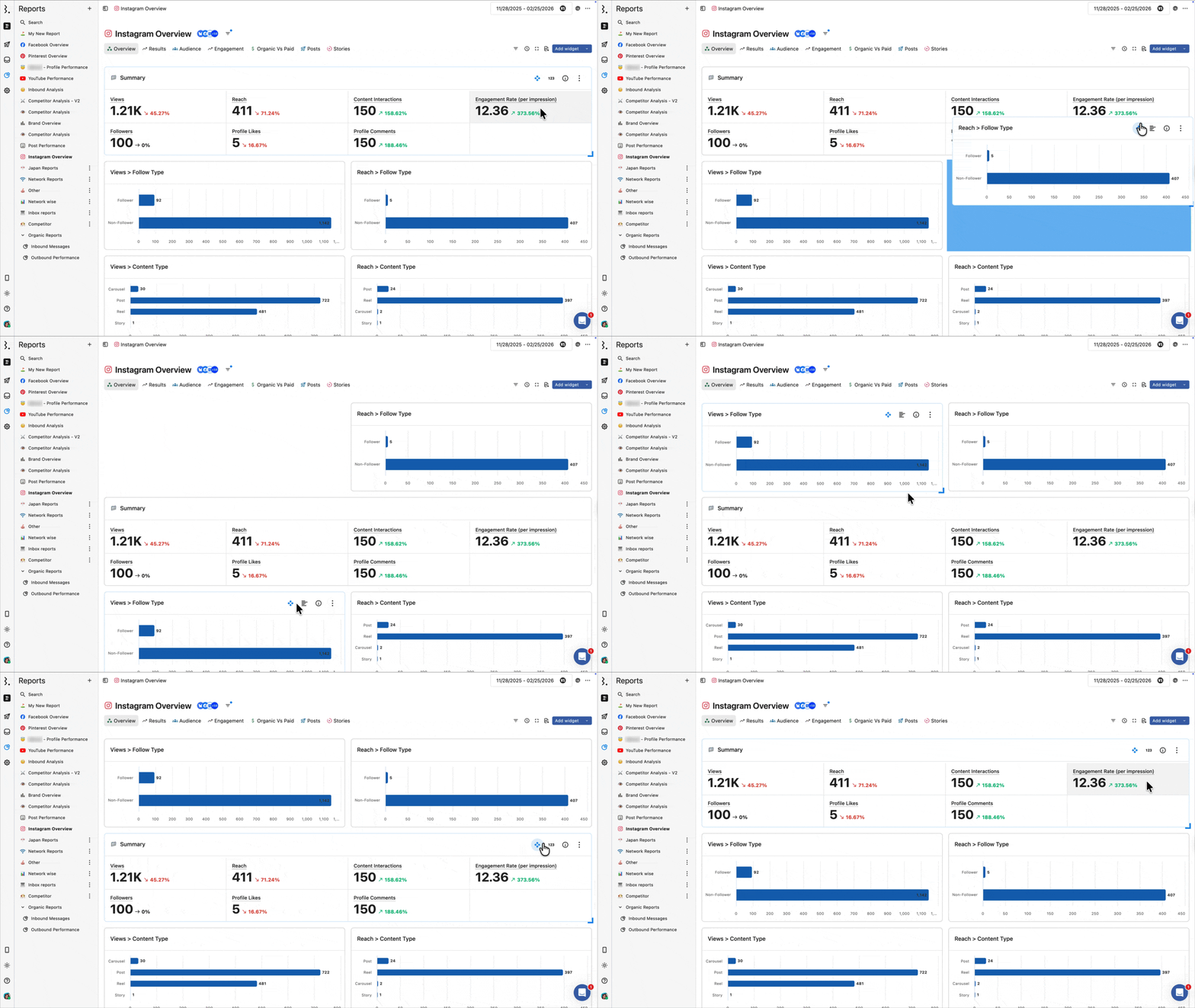
When you hover over the widget, an icon appears in the bottom-right corner that you can drag to adjust the widget's size to your liking.
Adjusting the position
You can easily rearrange widgets. Hover your cursor over a widget and an icon will appear in the top right corner of the widget. Drag and drop it to the desired location.
Adding widgets
Adding a new widget is easy. Click here for details on how to create one. The newly created widget will be added to the bottom. You can reposition it as needed.
section
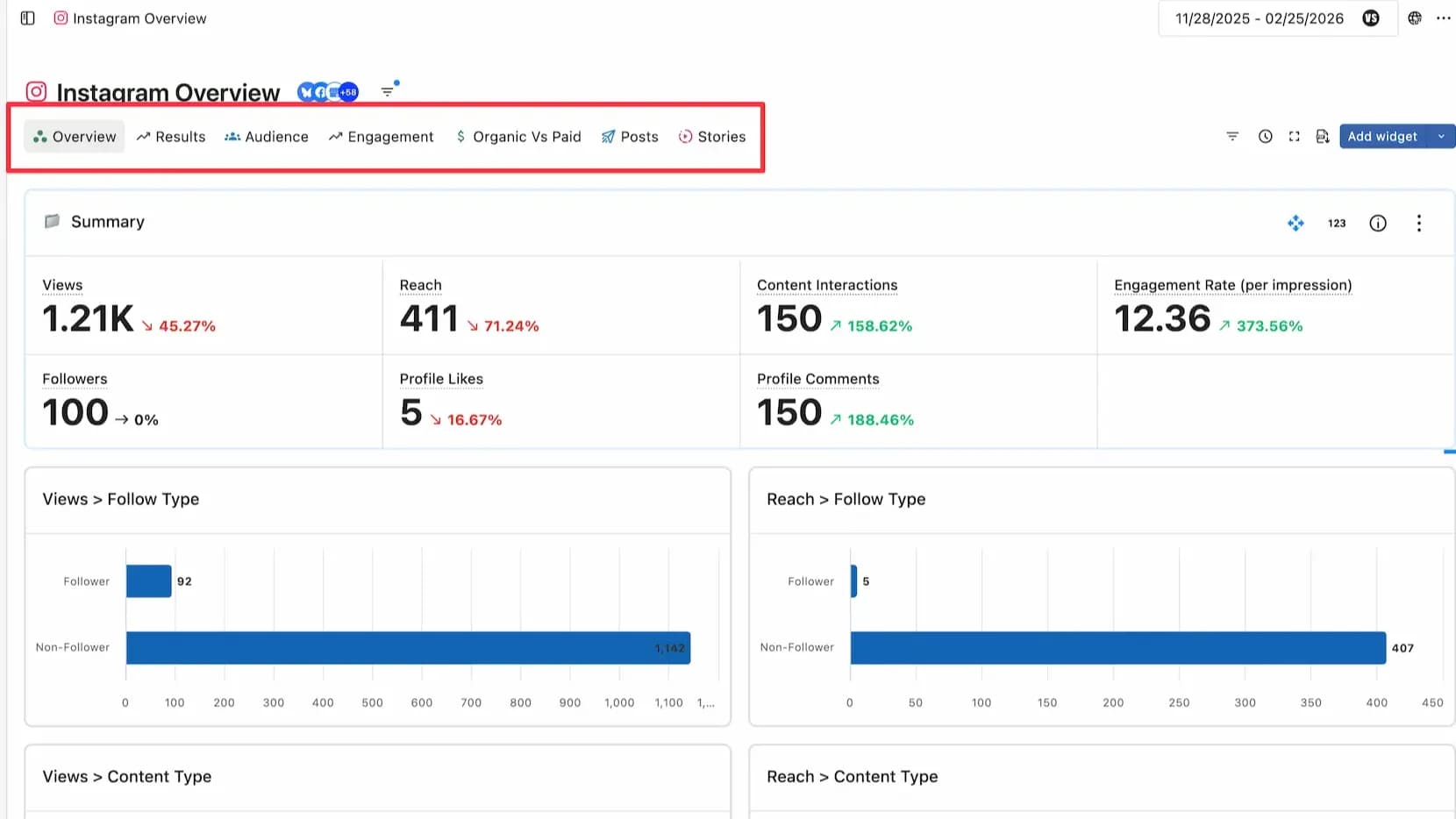
If you have a lot of widgets, they can get cluttered, making it hard to find important data. Therefore, organize widgets with similar themes into pages. These pages are called sections. In a report, the items above the widgets are sections. In the image below, these are "By Engagement" and "By Reach." Managing widgets by section, like "Engagement Data" and "Reach Data," makes it easier to find data.
Creating a section
Click + Add Section to the right of Section. A new section will appear. You can change the section name by double-clicking it.
Note: You cannot move widgets beyond their section.