When Should I Create A New Space?
Decide whether a brand, client, region or team needs its own space in Statusbrew, or whether profile groups and user groups in one space are enough.
Who Can Do This?
Only Primary Owners and Owners can create spaces. Your plan sets how many spaces your organization can have: Free 1, Lite 3, Standard 10, Premium 50 and Enterprise 500.
For Single Brands
If you manage one brand, you usually don't need more spaces. Manage every network from one space so everything stays in one place.
For Large Enterprises
Sub-Brands That Share Teams And Features
If your sub-brands share team members and features, keep them in one space. Use profile groups and user groups to separate them inside that space.
Sub-Brands That Run Independently
If sub-brands share no team, features or data, give each its own space. Each one keeps its own content, inbox and reporting, and data never mixes.
Complex Structures
For business units, regions or product lines with their own teams, separate spaces work well. For example, a global company might set up a space each for North America, Europe and Asia so each region runs its own content and customer care.
For Agencies: One Space Per Client
Agencies should create a space for each client. Each client gets its own content plan, inbox, reports and team access, and no data mixes between clients.
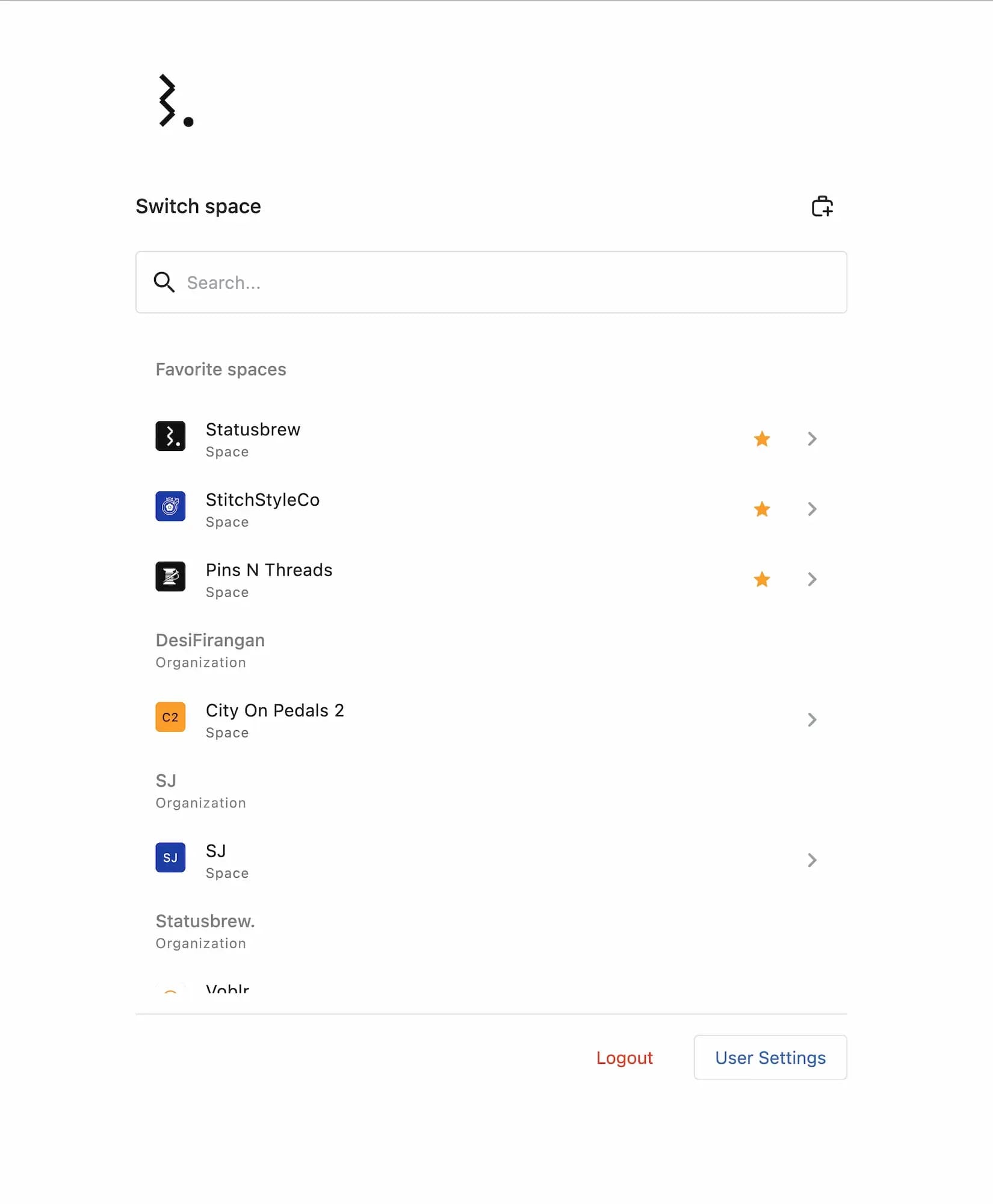
Plan for your space limit: on Standard you can have 10 spaces, on Premium 50 and on Enterprise 500.
Key Considerations
Space Limits
Every space counts toward your organization's plan limit. When you reach your plan's limit, Statusbrew shows an upgrade prompt. When you reach the overall maximum, you see a message asking you to contact support. If your organization already has more than the limit, you keep everything you have, but you cannot add more until you are under it.
Centralized Billing
Billing is set at the organization level and managed by the Primary Owner. It does not change with the number of spaces, the profiles in them or where your team members are.
Access And Control
Primary Owners and Owners have access to every space in the organization, so they can see and manage everything.
What Happens After
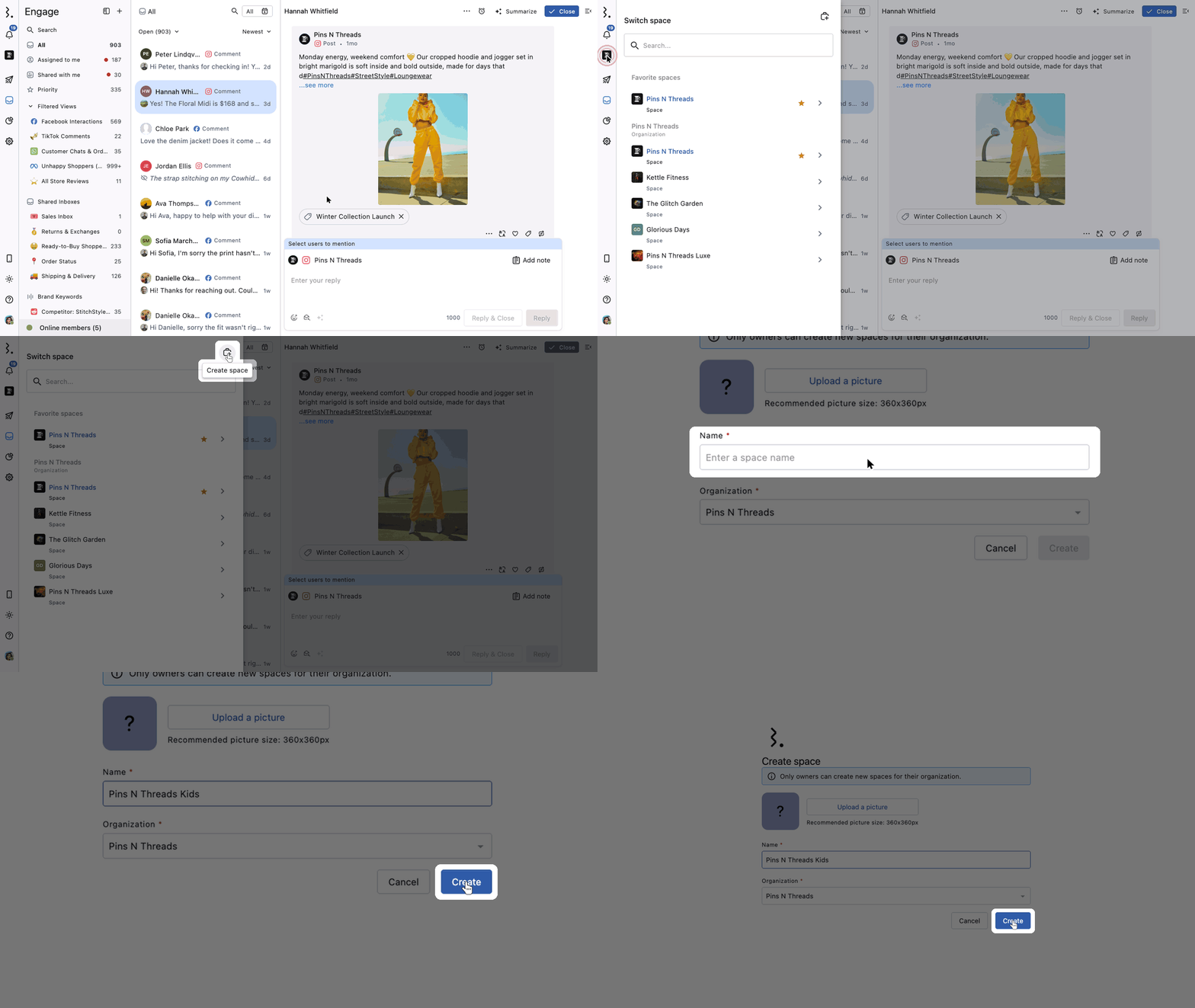
Create the space from Switch space → Create space (see Create And Manage Spaces)
Connect the client's or brand's social profiles to it and add its team
User groups and Global tags are shared across spaces; everything else in the new space starts empty
FAQs
How Many Spaces Can I Create?
Your plan sets the number for the whole organization:
Plan | Spaces |
|---|---|
Free | 1 |
Lite | 3 |
Standard | 10 |
Premium | 50 |
Enterprise | 500 |
500 is the most any organization can have.
Should I Use A New Space Or A Profile Group?
Use a new space when data must stay fully separate, such as different clients. Use a profile group to group profiles inside one space, for example by network or region, while the team shares inbox, rules and reports.
Can One Team Member Work In Several Spaces?
Yes. Add the user to each space they need, with a different role in each if you like. Owners can open every space automatically.
Do I Need Separate Organizations For My Inbox Team And Publishing Team?
No. What each user can do depends on their permissions on profiles or profile groups. Give your inbox team Engage permissions and your publishing team Publish permissions in the same space. Every user still sees the Publish and Reports sections in the navigation, but can only act on profiles they have permission for.
Does Each Space Need Its Own Subscription?
No. All spaces in an organization share one subscription. You only need a separate subscription for a separate organization.