Request A New Integration
Ask Statusbrew to add a new integration or network through chat support, the contact form or email.
Statusbrew keeps adding integrations. If a tool or network you need is missing, tell the team and it goes to the product team for review.
Who Can Do This?
Anyone with a Statusbrew account can request an integration. You don't need admin rights.
Request An Integration In Chat
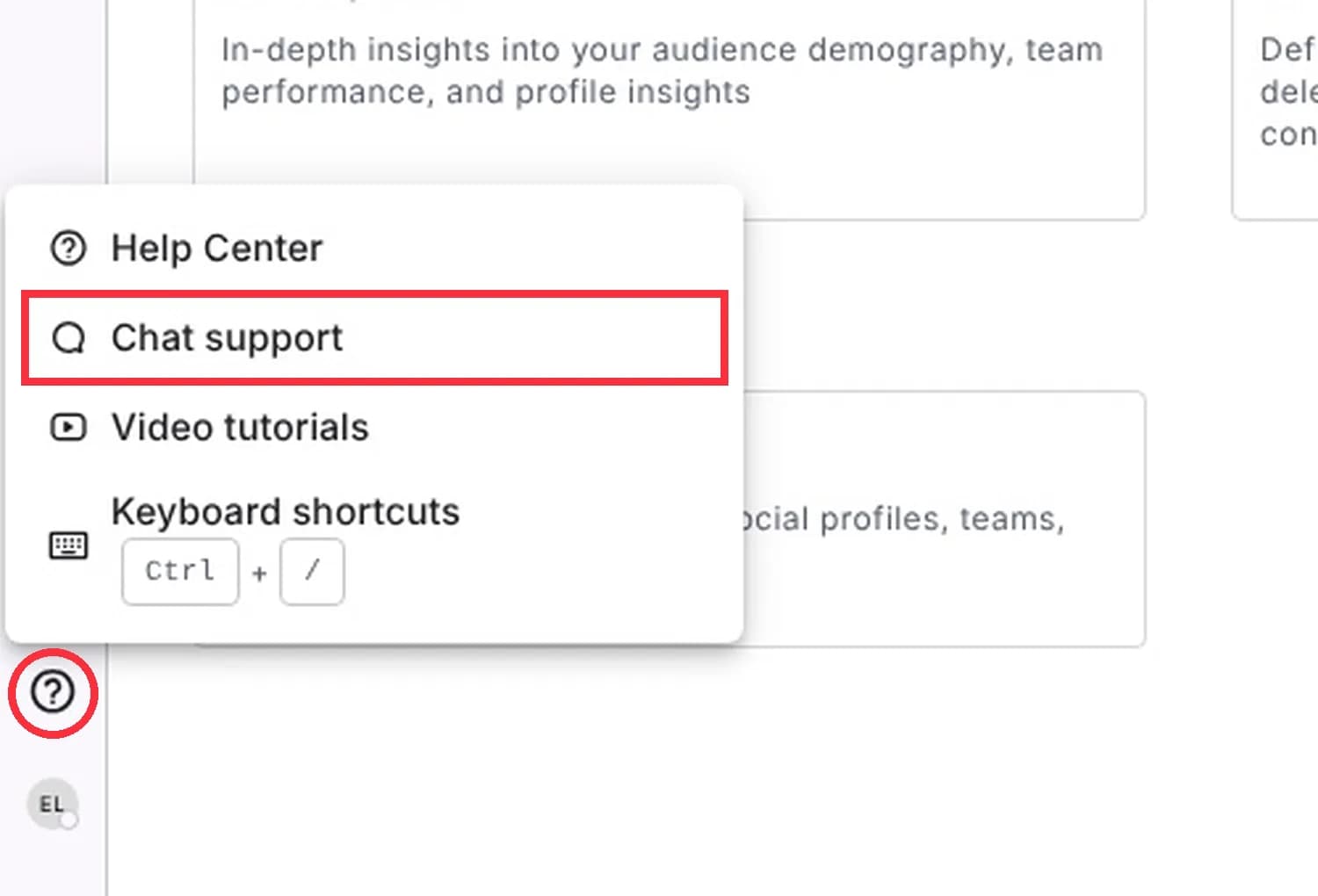
In Statusbrew, click the ? (Help, chat, more) icon at the bottom of the left sidebar.
Click Chat support.
Tell the team which integration you need and how you'd use it.
Reading this article in the Help Center? Chat with support from this article opens the chat window right here.
Tip: The same menu has Help Center, Video tutorials and Keyboard shortcuts (Ctrl + /).
Other Ways To Ask
Send the request to the Customer Success and Sales team through the contact form.
Email sales@statusbrew.com.
What Happens Next
The product team reviews every request. Not every request can be built, but your feedback shapes what comes next.
FAQs
Which Networks And Tools Can I Already Connect?
Go to Settings → Profiles → Add profile to see every network you can connect today.
Will I Hear Back About My Request?
The team replies in the same chat or email thread. Not every request gets built, so a reply may only confirm it was logged.
Can I Request A New Report Metric Instead Of A Whole Integration?
Yes. Use the same chat and say which network and metric you need.
Where Else Can I Get Help?
The ? menu also opens the Help Center and video tutorials.
Can I Suggest A Change To An Integration You Already Have?
Yes. Use the same chat and say what you would like changed.