ImprovementReports & Analytics
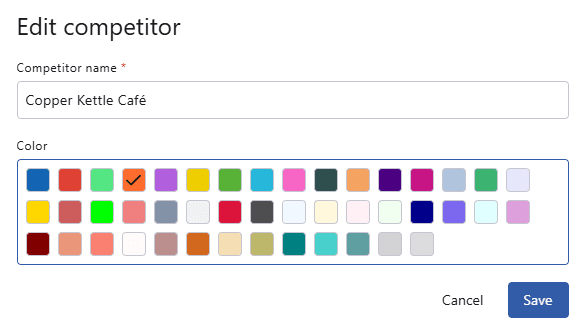
The Color Of Competitor Channels Can Now Be Changed After Adding Them
A color can be assigned to each competitor channel to tell them apart, and colors can now be changed at any time after a channel has been added.
There is no need to delete the channel, and report data is retained.
Users with Admin access or above can make changes via Settings → Competitor Channels.
The competitor channel list now also displays the assigned color alongside the channel name and avatar.