ImprovementEngage & Inbox
Non-Previewable Attached Media Can Now Be Identified In Engage
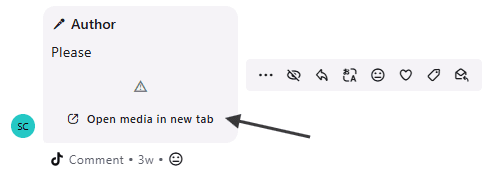
When an image attached to an asset in Engage cannot be previewed (such as HEIC files in TikTok comments), hovering over the warning icon will now display "Media preview is not available," followed by an "Open media in new tab" message.
Clicking "Open media in new tab" will allow you to view the attached media as follows:
Mac + Safari: The image opens in a new tab.
Windows / Chrome, Firefox, Edge: The image is downloaded (though this may vary depending on the asset format).