ImprovementAssets
Assets Can Now Be Selected In Asset Manager To Start Creating A Post Immediately
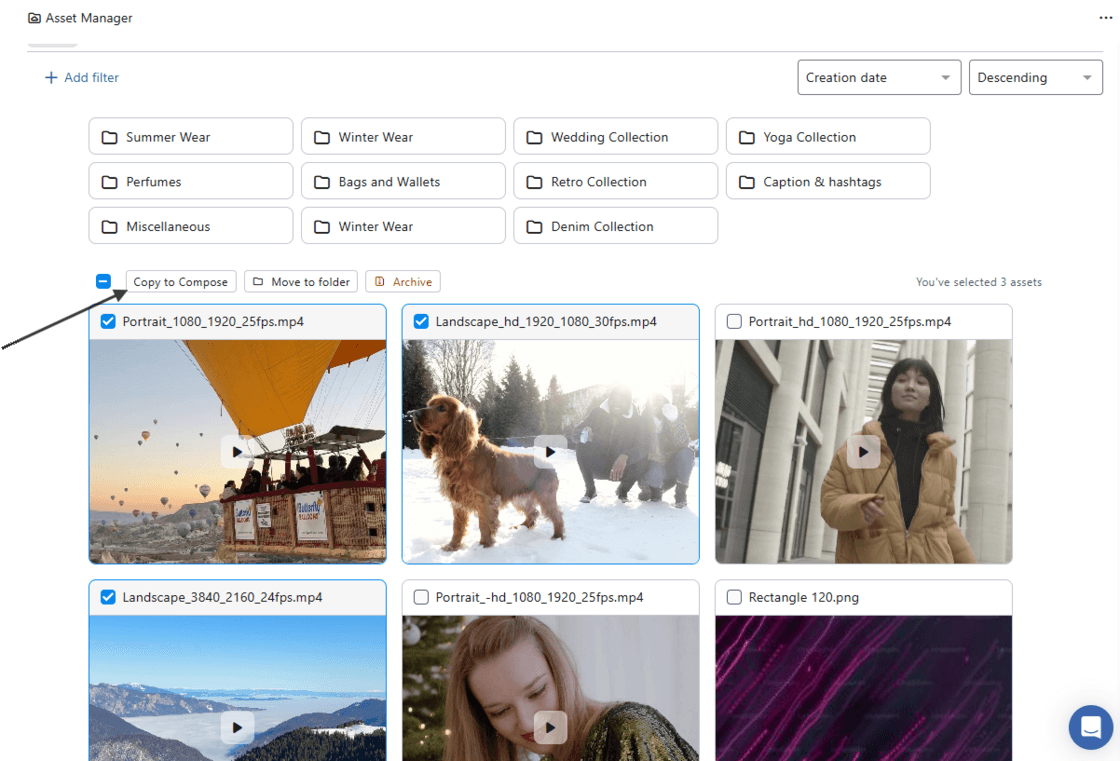
When one or more assets are selected in Asset Manager, a "Copy to Compose" option appears at the top of the grid.
Clicking this switches to the Compose screen with the selected assets already added to the post.
Previously, you had to access Asset Manager from within Compose and then select assets. Now you can start creating a post directly from any asset you find.
Note: Up to 10 assets can be selected at a time.